Add Wachd to your home screen
Updated November 2026
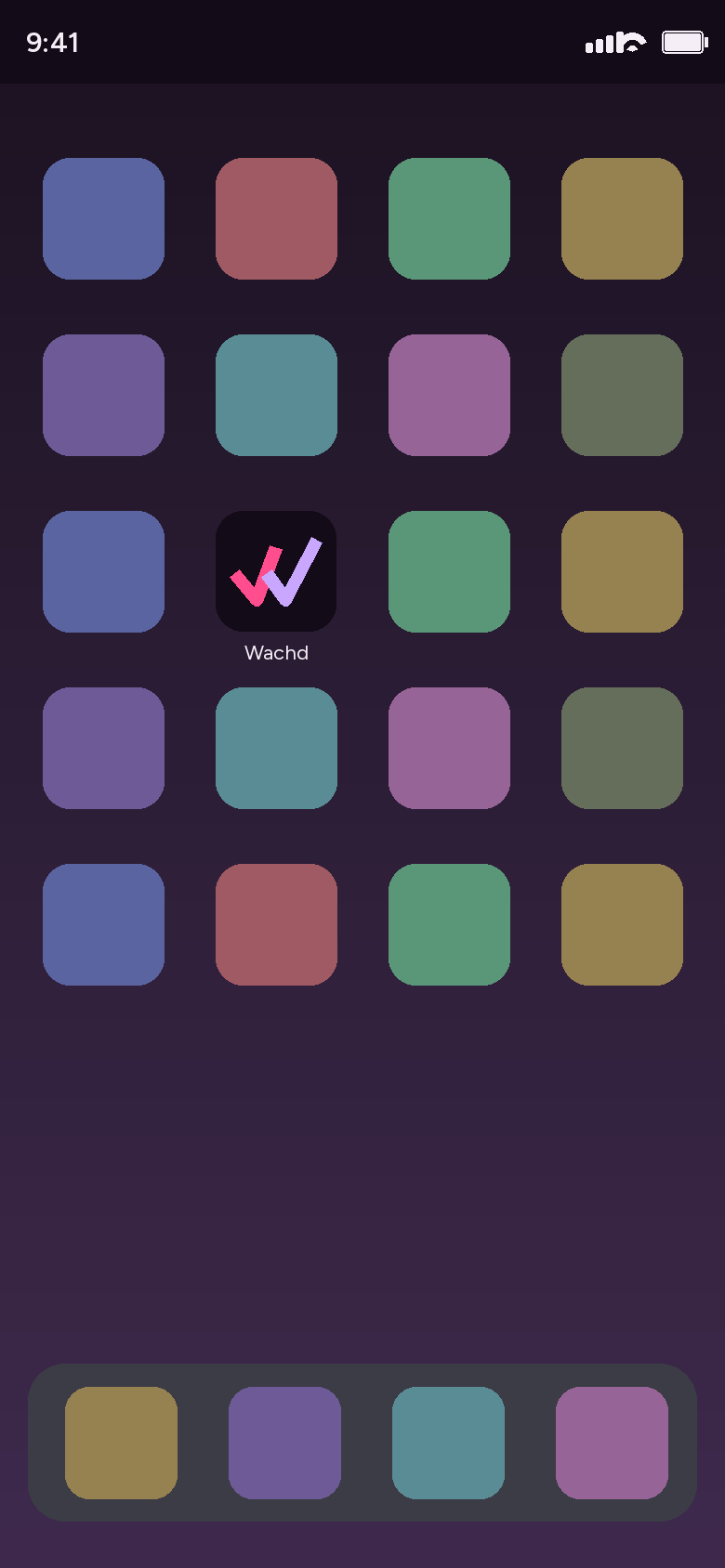
Wachd runs in your browser, but it's built to live on your home screen like any other app: its own icon, no address bar, and it opens straight to your library.
Why install it
- One tap, not a bookmark hunt. It works like any other app on your phone: its own icon, no address bar, no tabs, no typing wachd.tv.
- It's the only way to get notified. Push notifications, once they're live, only reach an installed app. On iPhone, Safari won't deliver them to a tab.
More is planned that works best, or only, once Wachd is installed. Notifications for what's airing next are on the roadmap first.
iPhone (Safari)
- Open wachd.tv in Safari, then tap the icon to the left of the address bar.
- Tap Share.
- Scroll down the row of icons and tap "Add to Home Screen." If you don't see it, tap "View More" first.
- Tap Add, top right. Wachd's icon appears on your home screen like any other app.
Android (Chrome)
- Open wachd.tv in Chrome, then tap the three dots, top right.
- Tap "Add to Home screen," then Install.
Desktop (Chrome, Edge)
- Open wachd.tv.
- Click the install icon in the address bar (a small monitor with an arrow), or open the browser menu and choose "Install Wachd."
Ready to move?
Create your accountAlready on Wachd? Sign in